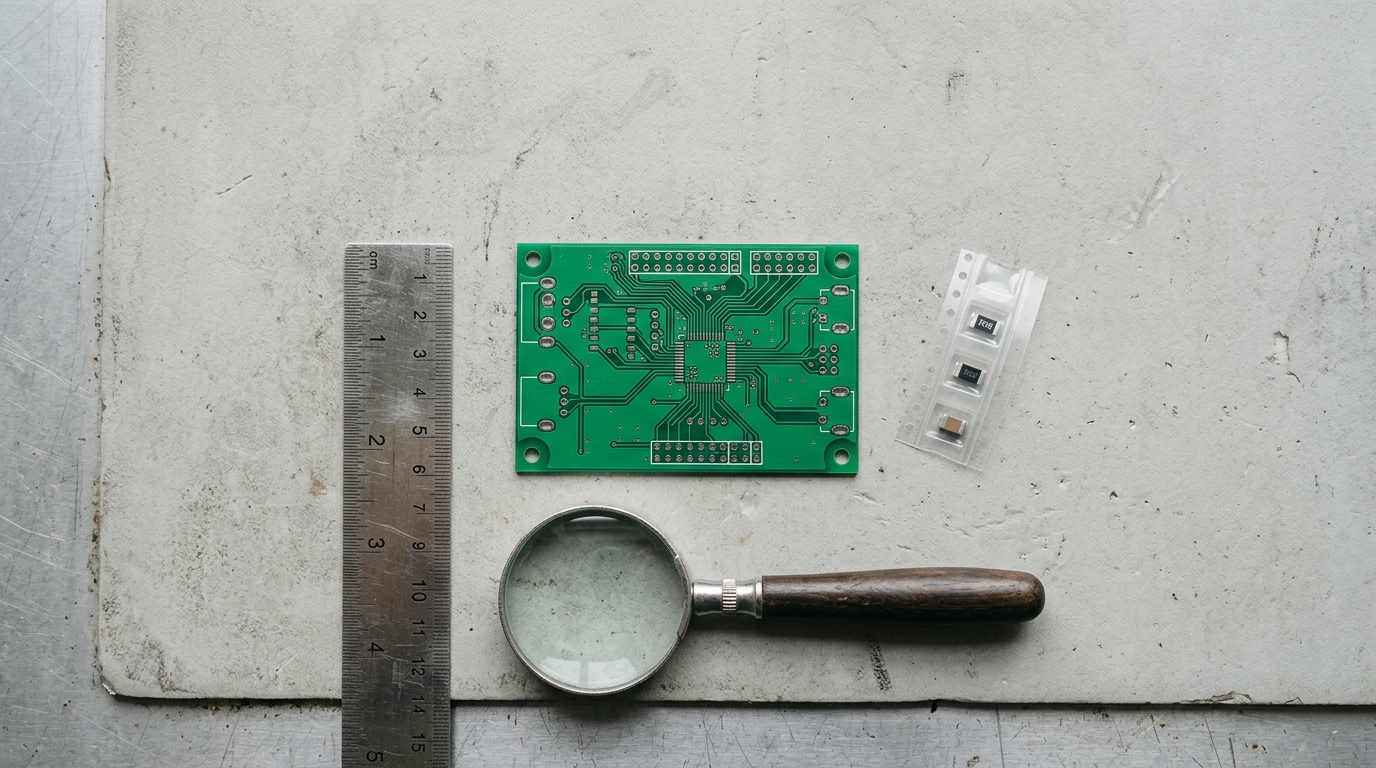
You have the files. The board looks right on screen, the parts list is filled in, and there is a button that will turn all of it into something physical that arrives in a box. The only thing between you and that box is the decision to spend the money.
This is the moment worth slowing down for. Not because the odds are terrible, but because the same mistake costs you nothing to fix today and about a week to fix after the boards land. Here is what to check on your PCB before you order it, in roughly the order these problems bite.
The short answer
Six things, and you can do five of them yourself for free in under an hour: check every footprint against the part drawing, check pin 1 and polarity on anything that has a direction, check stock on the exact part numbers, size the traces that carry real current, run a design rule check with your manufacturer's rules rather than the defaults, and get someone who did not draw the board to read it back to you.
That last one is the one almost nobody does, and it is the one that catches the mistakes the software cannot see.
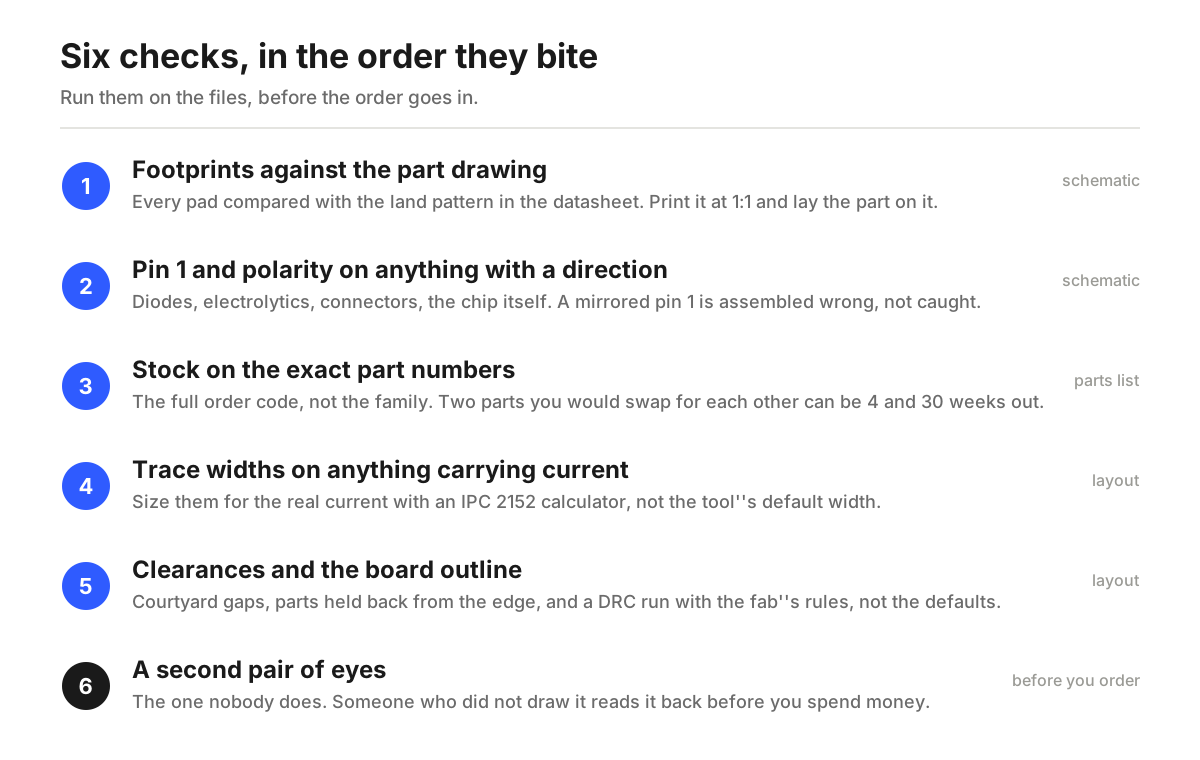
1. Footprints against the part drawing
A footprint is the pattern of copper your part lands on. If it is wrong, nothing else matters, because the part physically does not fit or does not connect.
Library footprints are not automatically right. A guide from Hubble on first custom PCB mistakes lists the ways they go wrong: a pin pitch off by 0.1 mm, pads too small to hand solder, a wrong thermal pad under a QFN, mirrored pin numbering. Its suggestion is the cheapest test there is. Print the footprint at 1:1 on paper and put the real part on top of it.
Do this for every part you did not personally verify on a previous board. It takes a few minutes per part and it is the single highest value check on this list.
2. Pin 1 and polarity on anything that has a direction
Diodes, electrolytic capacitors, connectors, the chip itself. Anything that can be fitted two ways will eventually be fitted the wrong way if the board does not say which way is right.
A good write up on design mistakes that cause assembly errors puts missing polarity markings and silkscreen indicators at the top of its list, and points out that the fix is to mark pin 1 in the footprint itself after reading the datasheet, not to rely on remembering it later.
Two things to look for. First, is there a mark on the silkscreen that survives after the part is soldered down, so you can tell at a glance whether it went on correctly. Second, does the mark agree with the datasheet rather than with the library's idea of the part.
3. Stock on the exact part numbers, not the family
This is the check that has changed the most in the last two years, and the one founders skip because the part was available when they picked it.
Check the full order code, not the family name. Findchips, tracking microcontroller lead times through 2026, listed the STM32F103C8T6 at 30 to 31 weeks on new orders at every major authorized distributor in June, while a Microchip ATSAMD21G18A-AU was 4 weeks at one distributor with around 5,000 in stock, and an Espressif ESP32-S3 module was 4 to 8 weeks with more than 58,000 pieces sitting at one distributor. Those are parts a lot of people would treat as interchangeable at the schematic stage.
So: open the parts list, take the exact order code of anything that is not a plain resistor or capacitor, and confirm somebody has it in stock today in the quantity you need. If the answer is a 30 week lead time, you want to know that now, while swapping the part is a ten minute edit.
4. Trace widths on anything that carries current
Most design tools ship with a default trace width, and most boards that fail thermally are boards where that default was left on a rail it was never meant for.
The Hubble guide gives the specific version of this: a 10 mil default left on a rail feeding a 2 A motor driver. The board works on the bench at room temperature and then misbehaves at 50 C. The fix is to size the traces that carry real current with an IPC 2152 calculator rather than eyeballing them, and to do it before the layout is finished rather than after.
You only need to do this for the rails that matter. Power in, anything driving a motor or a heater or a bank of LEDs, and the ground return for those. Signal traces are not the problem.
5. Clearances and the board outline
This is the check your software will do for you, as long as you give it the right rules.
Load your manufacturer's capabilities into the design rule check instead of running the tool's defaults, then fix every error rather than acknowledging them. The same write up publishes concrete numbers worth checking against: at least 10 mil of courtyard clearance around components, parts held 50 to 75 mil back from the board edge, surface mount parts 20 to 25 mil back so they survive depanelization, and taller electrolytic capacitors 125 mil in.
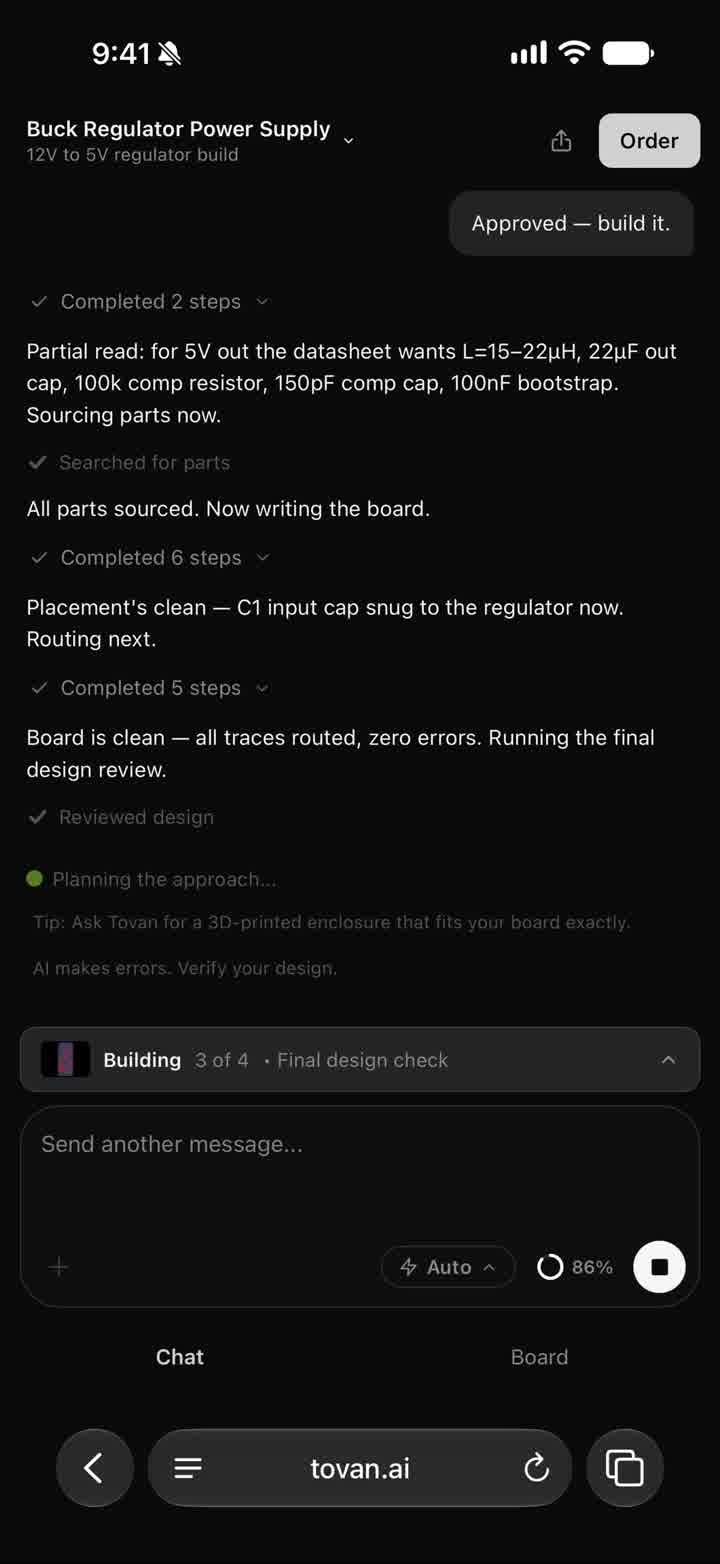
A finished layout in Tovan, from a 12 V to 5 V buck converter build. The clearance and outline checks happen on a view like this one, while changing anything is still free.
Also look at the board outline itself with mounting in mind. Hole positions, connector positions, and whether the thing actually fits where it has to live. Mechanical mistakes are invisible in a 2D layout view and obvious the moment the board is in your hand.
6. A second pair of eyes
Everything above is something you can do alone. This one is not, and it is the one that catches the errors that pass every automated check.
A piece from Cadstrom on the hidden cost of PCB respins makes the argument directly: the root cause of most respins is not manufacturing defects but schematic level errors, mistakes in how parts are connected, configured and specified. Those pass a design rule check, because a design rule check knows about geometry, not intent. They surface on the bench.
If you have a friend who does this for a living, buy them dinner and have them read the schematic. If you do not, paying for a review is cheaper than you might think relative to a respin. CadCrowd's guide to outsourcing PCB design puts freelance rates at 30 to 100 dollars an hour and design firms at 90 to 145, and prices a DFM analysis at around 12 hours of work. A couple of hours of someone's attention on a small board is a real option at that rate.
The honest version of this: a review is worth paying for when the board is going in front of someone whose opinion decides whether the project continues, or when a respin would cost you a deadline you cannot move.
What catching it late actually costs
For a small prototype run, forget the enterprise numbers for a second. The cost of a mistake you find after the boards arrive is that you order the run again, and fabrication, assembly and shipping all repeat. Based on the timelines in our own guide to how long a custom PCB takes, that is roughly a week to ten days, plus whatever the run costs you.
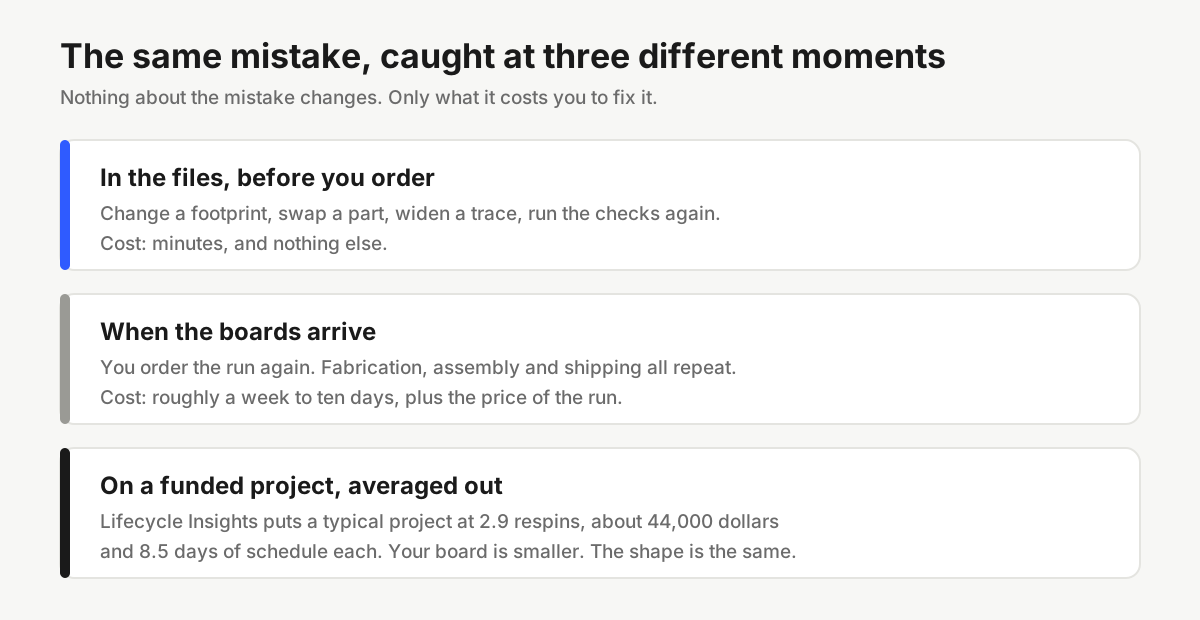
The enterprise numbers are worth seeing anyway, because they show the shape of the problem rather than its size. Cadstrom cites Lifecycle Insights putting a typical project at 2.9 respins, each costing about 44,000 dollars and 8.5 days of schedule. It also quotes a far lower range elsewhere in the same piece, 3,000 to 15,000 dollars per failed attempt, without reconciling the two, so treat both as directional rather than precise. The figure worth remembering from that piece is the industry estimate that around 90 percent of prototypes miss their goals on the first attempt, which is to say that planning for a second board is normal and planning for a third is not paranoid.
None of that means a respin is a failure. It means the hour you spend on the six checks above is the cheapest hour in the whole project.
Frequently asked questions
How long should the pre-order check take?
About an hour for a small board, most of it spent on footprints. If you have twenty parts and ten of them are new to you, budget more. It is still the cheapest hour you will spend on the project.
Is a design rule check enough on its own?
No. A design rule check tests geometry: spacing, widths, overlaps, things with numbers attached. It cannot tell you that a pin is wired to the wrong net, that a part is configured wrongly, or that the part you chose is out of stock for seven months. Those are the errors that make it onto real boards.
Do I need to check footprints if they came from a vendor library?
Yes, at least once per part. Vendor libraries are usually right and occasionally not, and the cost of being wrong is the whole run. Check it the first time you use a part and you never have to check it again.
When is paying for a review worth it?
When a respin would cost you a deadline, or when the board is a proof that someone else is going to judge. At 30 to 100 dollars an hour for a freelancer, two hours on a small board is a modest insurance payment against reordering.
What about checking the board after it arrives?
Different list, and it also matters. We wrote it up separately in what to do when your board arrives, before you plug it in. The short version is that powering an unchecked board is how a good board becomes a dead one.
One more thing
Most of this list is work, and most of it is work that an experienced person does almost automatically and a first timer does not know to do at all. That gap is worth closing however you want to close it.
If you design your board in Tovan, part of it is closed for you: every board gets checked before it is made, and you get the result as a plain list of what was looked at, what passed, what needs a look, and what to change. It does not replace the second pair of eyes. It does mean the geometry and the ratings have already been read back to you by the time you are deciding whether to spend the money.
Either way, run the list. The board you catch today is the week you keep.
0 comments