
Remember dreaming up inventions as a kid? Fun ideas like night vision glasses or a remote control flying robot. But as we get older, we learn how hard it actually is to turn those ideas into working prototypes and shippable products.
The prototype alone asks you to know something about electronics, printed circuit boards, electrical engineering, software engineering, and mechanical engineering. That mountain of required knowledge stops most would-be inventors before they ever start. Imagine how many potentially life-changing ideas die right there.
Tovan exists to take some of that burden off your shoulders, so more ideas can see the light of day, faster. Inventors can iterate quicker, and more things actually get made.
The point of this post is to show you how easy it is to get an idea out of your head and and ordered in under an hour using Tovan. I'll be showing examples from a recent Heart Rate monitoring device we built to help illustrate the point.
Getting Started
Starting with Tovan is intentionally simple. Head to tovan.ai on your phone or desktop (yes, you can design a board from your phone, how cool is that?) and select "try for free." At the time of writing, we require no sign up and no credit card to start.
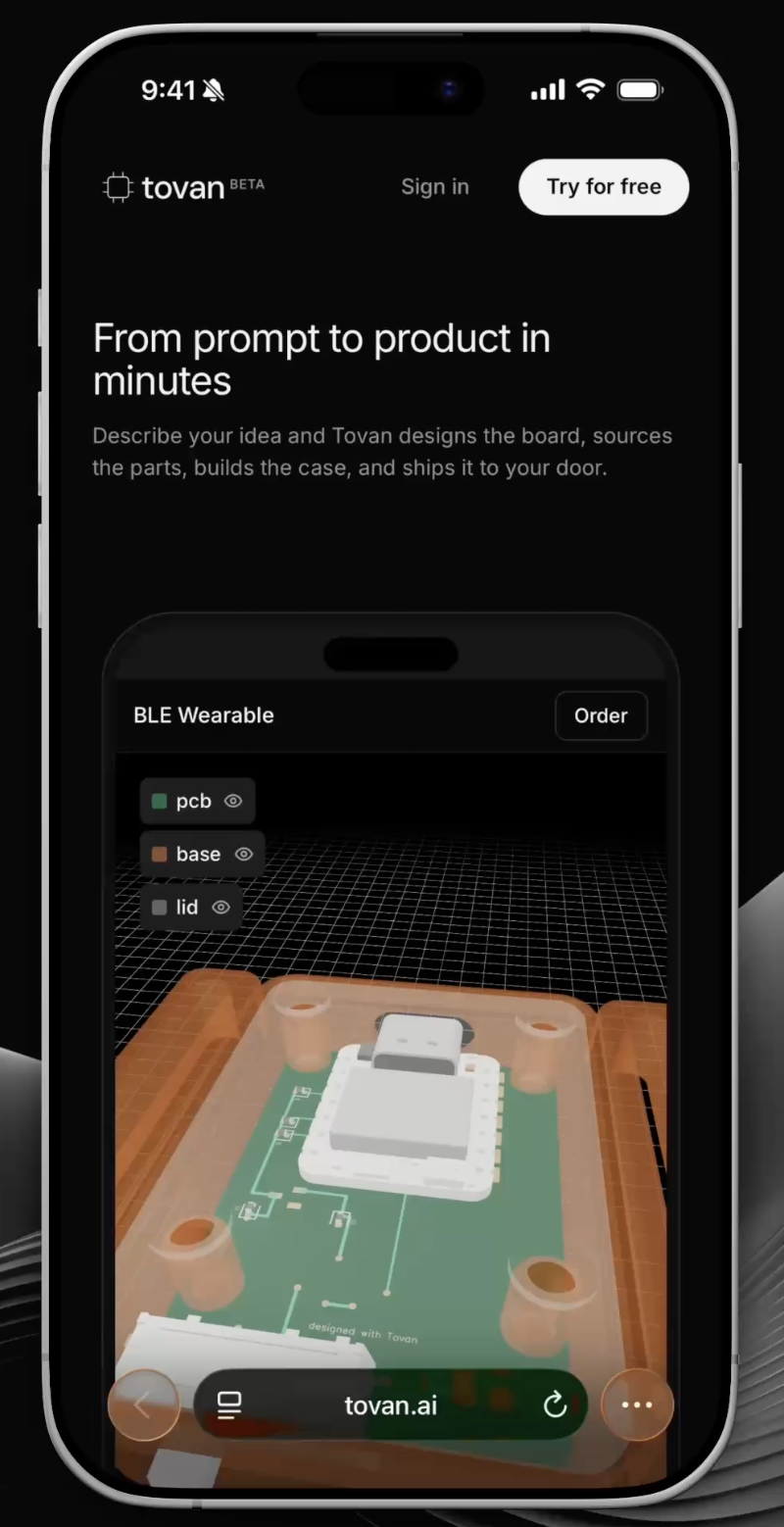
Tovan Home Page
From there you land in the editor, where you'll spend most of your time. The editor is where you talk to Tovan and start designing your first prototype.
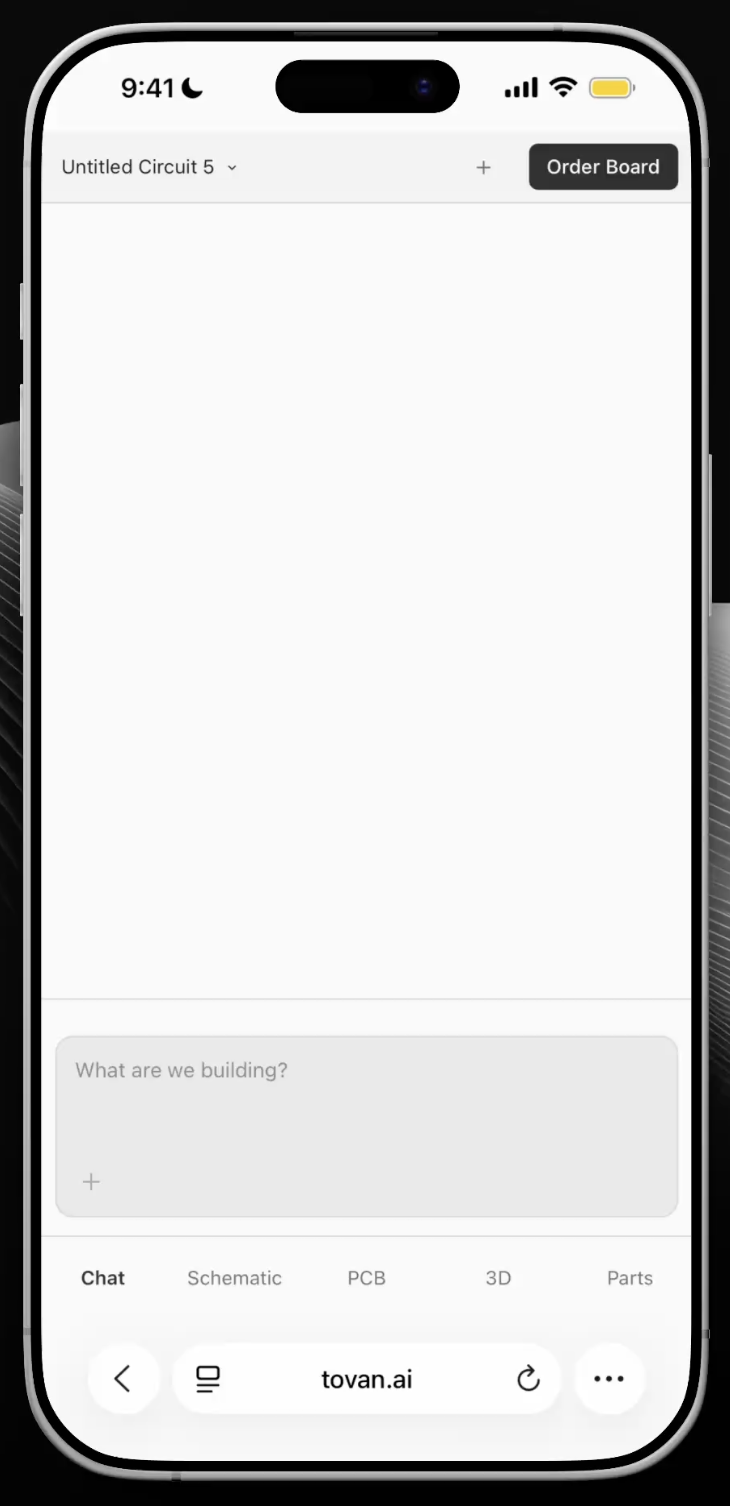
Tovan Editor Page
Sending Your First Message
Think of Tovan (the agent) like a great contractor. Hand a good contractor the goal and the few things you really care about, and they'll use their expertise to make all the small decisions you never thought to mention, often landing somewhere better than you pictured. Stand over their shoulder dictating every nail and measurement, and you box them into your own blind spots. The agent works the same way.
That's why less is more in a prompt. Shorter, more precise prompts that name only the things you truly care about give the agent boundaries while still letting it do what it does best: reason. Over-constraining it can force it to produce exactly what you asked for, which sometimes means worse, because you've blocked it from finding a smarter solution you didn't know to ask for.
So a good prompt looks something like this:
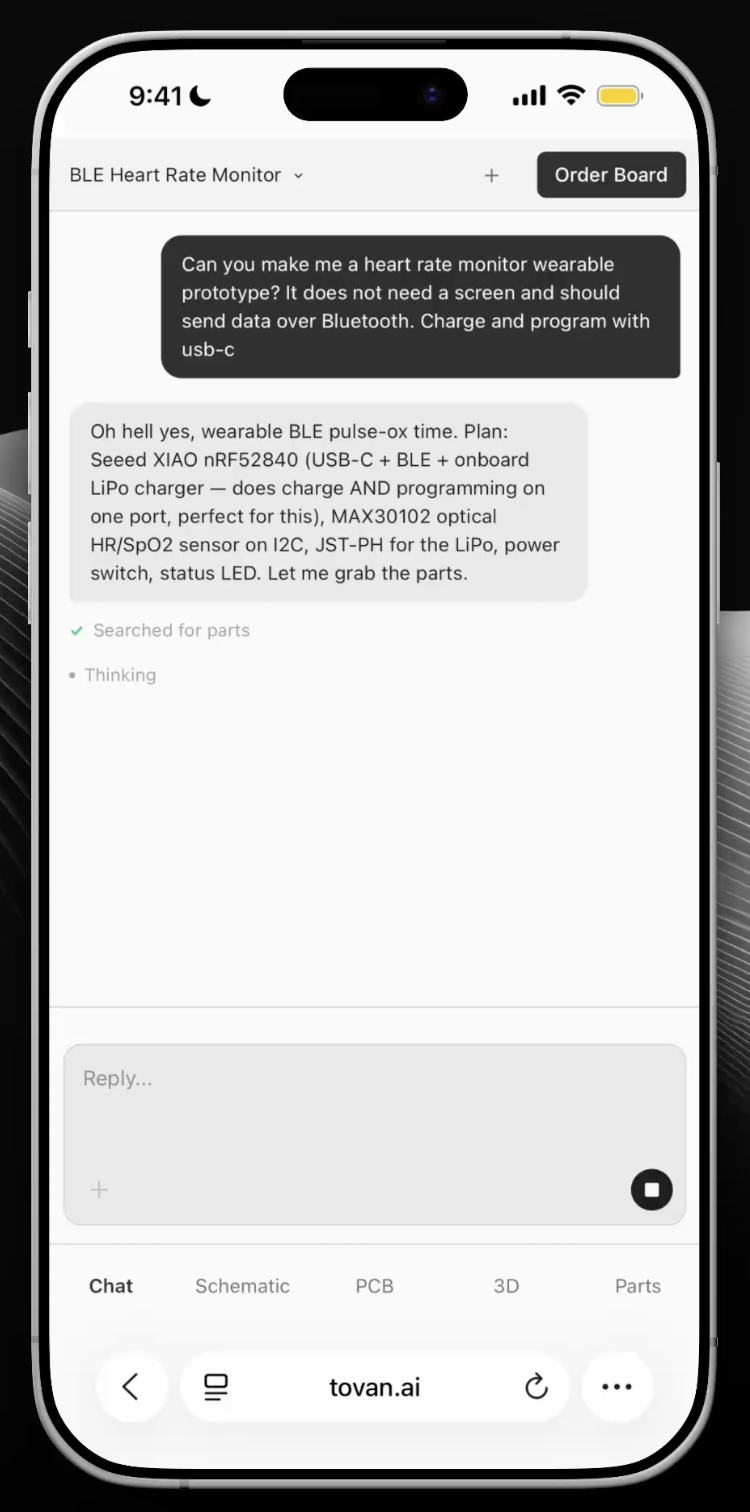
Example Prompt
Can you make me a heart rate monitor wearable prototype? It does not need a screen and should send data over Bluetooth. Charge and program with USB-C.
This is a good prompt for a few reasons:
It tells the agent exactly what matters and lets it decide the rest.
It doesn't over-constrain the agent, so it's free to reason on its own.
In my experience, longer prompts that list out every requirement tend to produce worse results. Keep it short, name your hard constraints, and let the agent surprise you.
Watching it build
After you send your prompt, Tovan gets to work. The workflow is essentially this:
Consider your request and ask any clarifying questions it needs.
Search for in-stock parts.
Place those parts on a printed circuit board (the PCB, the green thing).
Route the copper connections that electrically tie the parts together.
Iterate
Don't let that simple list fool you. A lot is happening under the hood, and it can take upwards of 20 minutes for a simple board, longer for a complex one. But hey, that's much better than the alternative right?
You can watch the whole thing unfold from the tabs up top:
Schematic is where you see how each part connects to the others.
PCB is where you see the board itself, almost like an x-ray: where parts are placed, how they physically connect, mounting holes, and so on.
3D is where you see what the finished board will actually look like.
Parts is where you can review every component selected for your board.
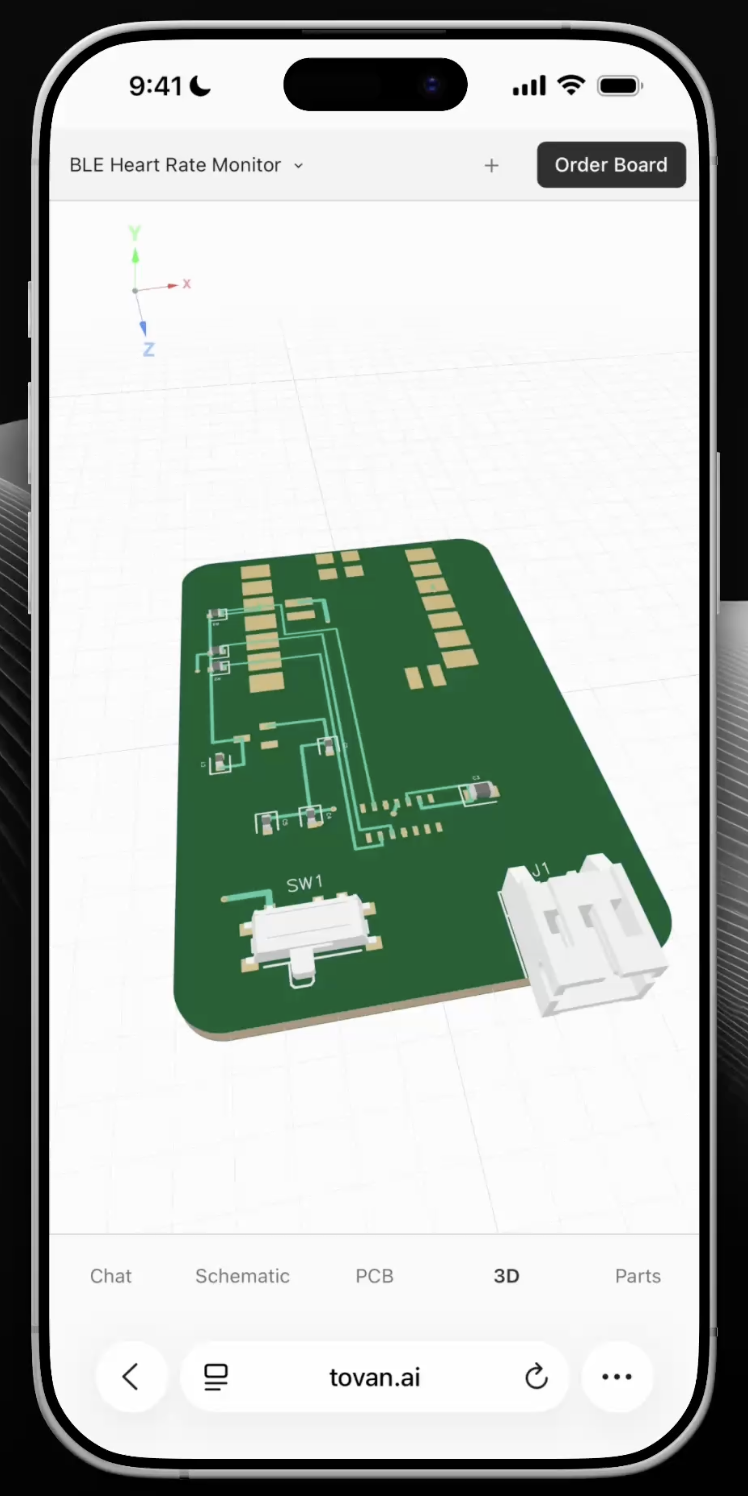
3D Visual of the Board
Sending Another Message to Tovan
If you ever want to stop the agent or clarify something, just press the stop button (the square in the chat input) and send your message. You can ask it to make edits to the board the same way, or to explain something to you. Treat it like a conversation.
Cost
If you haven't subscribed yet, you may hit the free trial limit before the agent finishes your design. To keep going you've got two options: subscribe (cheaper, with different usage tiers) or pay as you go (a solid choice while you're still trying things out). Canceling is simple, and we don't use any lock-in tactics.
Reviewing your board
One power-user trick: once the agent has finished designing, ask it to review the board. It'll go through the design top to bottom and catch any bugs before you order. It's still AI and the occasional mistake is possible, so give the design a careful look yourself too.
Building an enclosure
Once you're happy with the board, ask the agent to build you an enclosure, the mechanical housing that holds it.
This is one of the coolest Tovan feature because now you get to actually watch your prototype take shape.
A tip is to just ask for an enclosure and see what it comes up with, then refine from there. You can say things like "round the corner edges," "create space for a small battery underneath the board," or "cut a slot so I can access this component from the top."
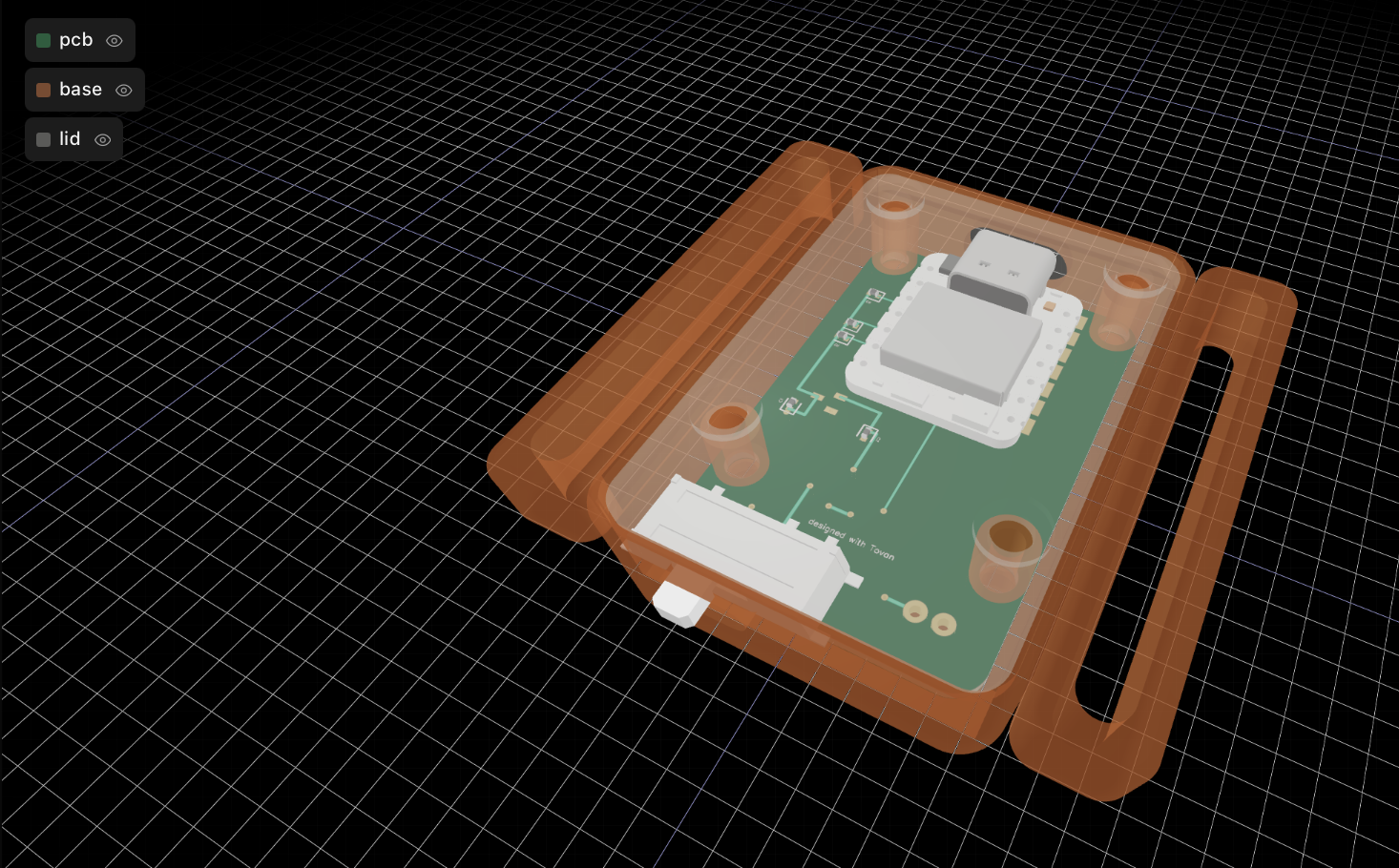
Heart Rate Monitor Enclosure
Ordering Your Board and Enclosure
When the agent finishes, it'll usually let you know, and there should be no errors left on the board. Click "Order Board" and a popup appears where you can request a quote for the assembled PCB and the 3D-printed enclosure.
If you'd rather do it yourself, you can download the build files from the link at the bottom of the popup.
The Result
That's the whole process. For my heart rate monitor, a little over an hour after that first sentence I had a board in my hand, soldered together, programmed, and reading my live pulse over Bluetooth.
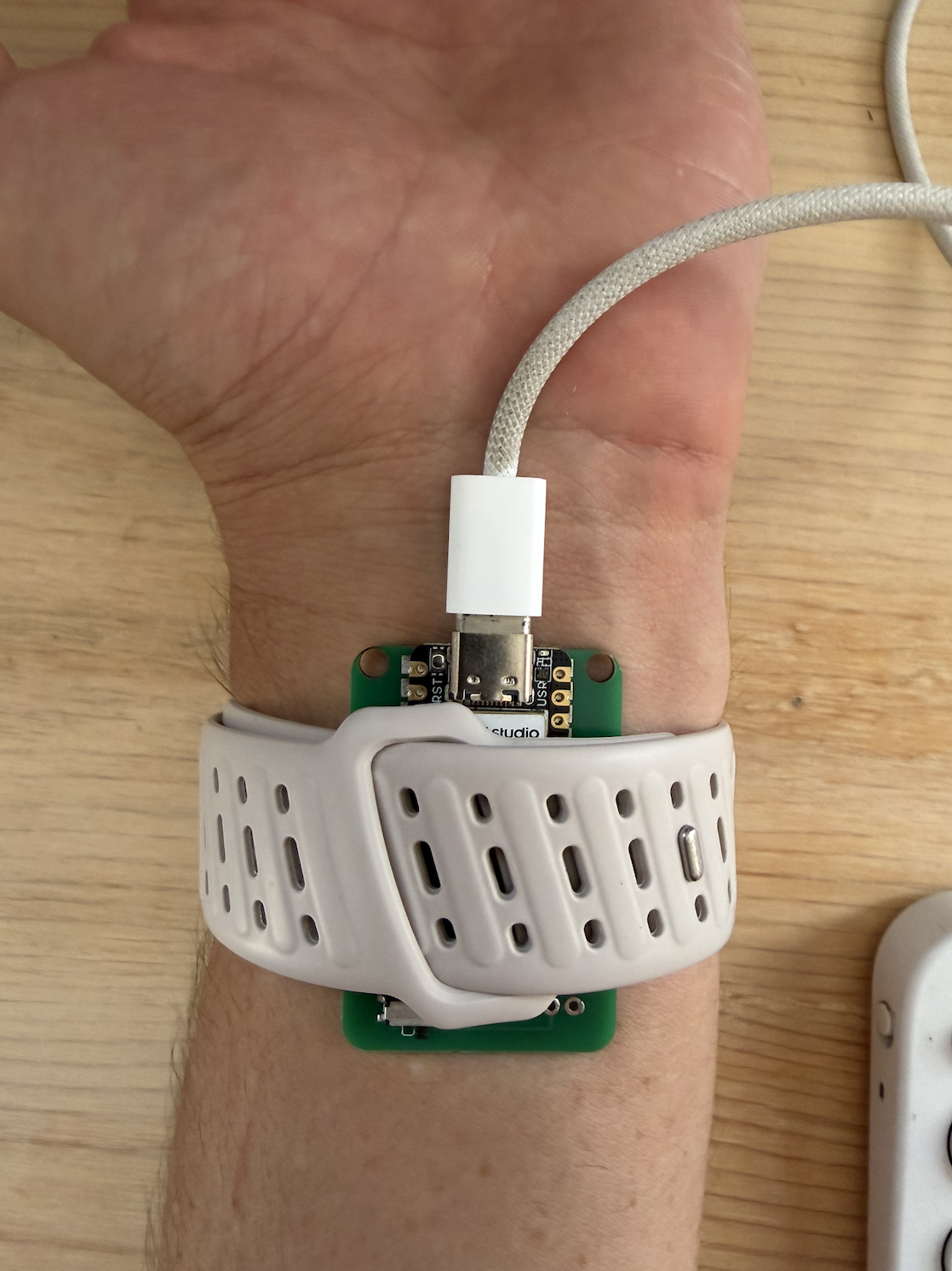
Heart Rate Monitor Board Taking a Reading
Tip for the firmware: if you're writing software for your board, open your favorite coding agent (I use the Claude Code extension in VSCode). Ask Tovan to generate a concise overview of the design, then paste that into your coding agent to help it write the firmware. It speeds development up a lot.
Update, October 2026: you can skip that step now. Tovan writes and tests the firmware for the boards it designs, in beta. Here's how it works.
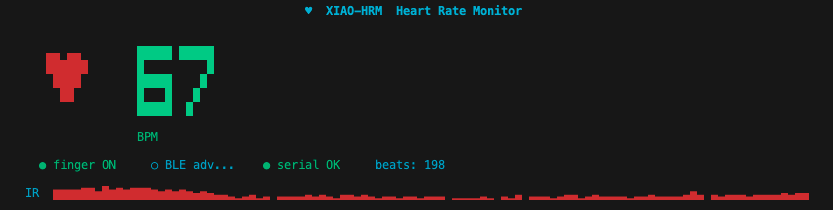
Heart Rate Visual
Now it's your turn. Go build something great.
Try Tovan
0 comments